Averages done right
Every measurement weighs the same in the day's average, even if you repeated a reading three times.
Log each measurement in seconds, see your averages properly calculated and bring your doctor a report they understand at a glance.
Creating your account is free: create it here with your name and email.
Classifies with the 2025 Argentine Consensus on Arterial Hypertension Signed by the SAC, the FAC and the SAHA. If your doctor prefers the 2025 AHA/ACC guideline, the European 2023 ESH one or the Brazilian 2025 one, you switch to it with one tap.
How it classifiesHow it works
With your upper-arm monitor, at home. If you have doubts, the app teaches you how to do it properly, step by step.
With the keyboard, by pasting several readings at once, or by dictating them out loud from your phone.
The average of the day and of each period, its classification and how it evolves. And a report ready for your doctor.
What it does
Every measurement weighs the same in the day's average, even if you repeated a reading three times.
If a reading goes above 180/120, the app tells you separately, even if the day's average hides it.
How it behaves in the morning, in the afternoon and at night, combining the measurements of the week or the period.
Mark since when you take each medicine, look at your numbers over that stretch without mixing them with earlier ones, and compare two periods simultaneously.
One setting enlarges text, fields and buttons at once. Designed to be read without glasses.
With the app installed, you can see your latest numbers even without a signal, for example at your appointment. To log a reading you need internet.
Beyond your blood pressure
To arrive at your appointment with the full picture. What you don't use, you switch off.
Mark each dose as taken or not taken. The report counts how many you took, how many you didn't and how many have no record.
Your measurements, your doses, your doctor visits and your notes on meals, coffee, sleep, activity or symptoms, on a single timeline.
Record each study with its date, its result and what you want to ask your doctor. You can keep the report as a PDF or a photo.
Add your next appointment and it shows up on Home. When you go, write down what the doctor told you and whether your medication changed.
Each dose at its time, a reminder if three days go by without a measurement, and another the day before an appointment. You choose which ones, in Settings.
With the magnifying glass you jump to a day, a study or a doctor visit. And you can ask questions, for example «¿Cómo me da a la mañana, a la tarde y a la noche?» (how is it in the morning, afternoon and evening?).
For your doctor
Averages, classification, how it evolved and at what time it rises. Printed or through a link.
For family who help
They invite you from their account and you sign in with yours, without sharing passwords. Whoever invites you chooses what you can do, and can remove you whenever they want.
How to measure properly
Eight precautions the consensus recommends. The app shows them to you step by step whenever you want to go over them.
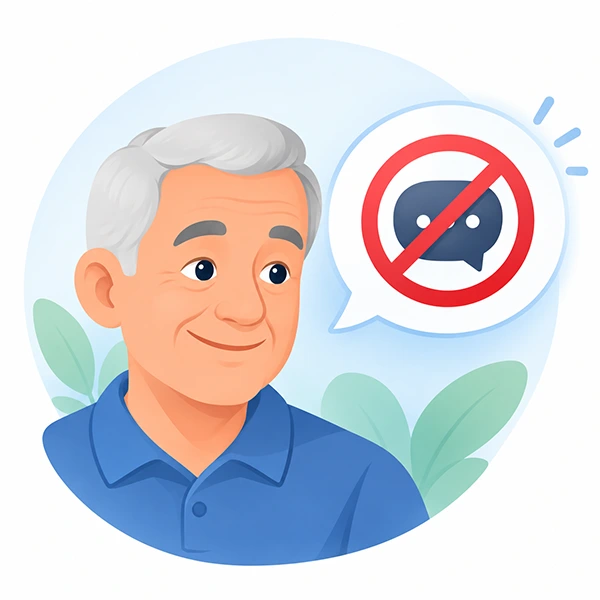 Don't talk
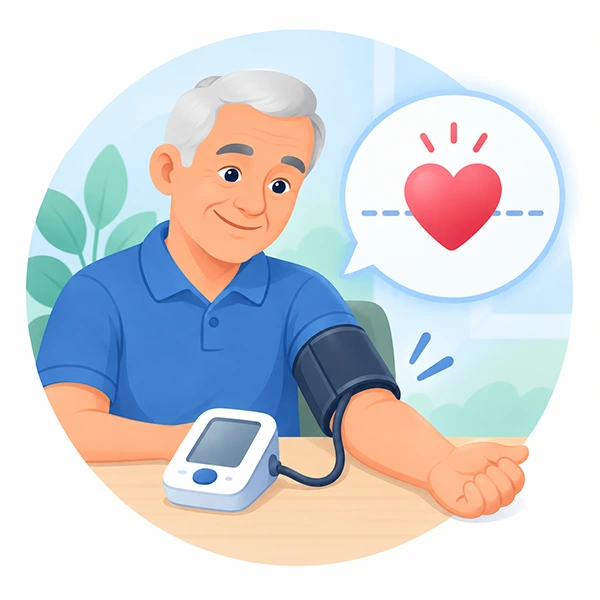 Your arm at heart level
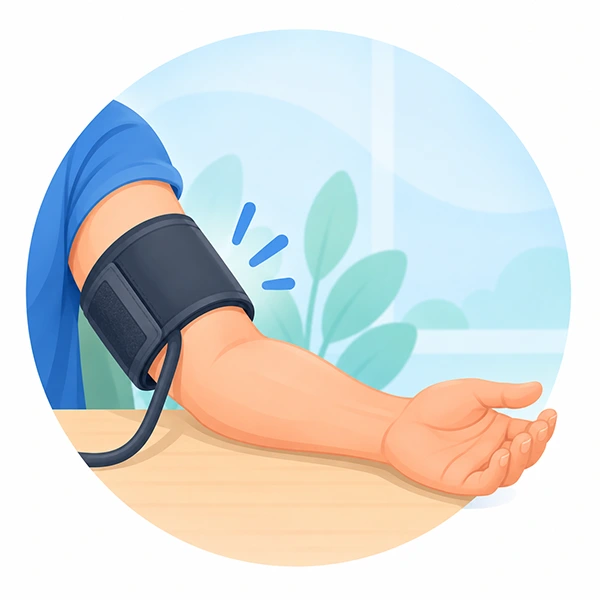 The cuff on your bare arm
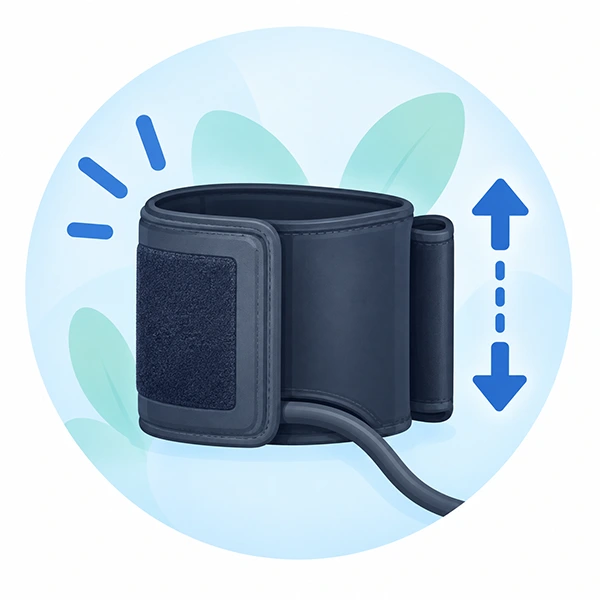 A cuff that fits
 Feet flat on the floor
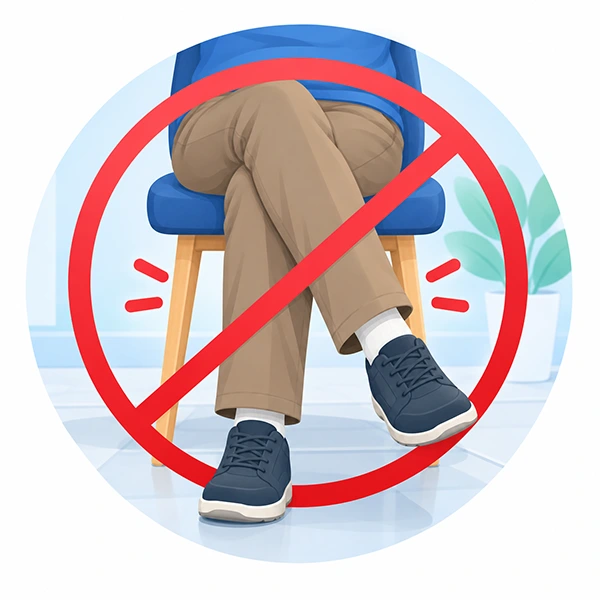 Legs uncrossed
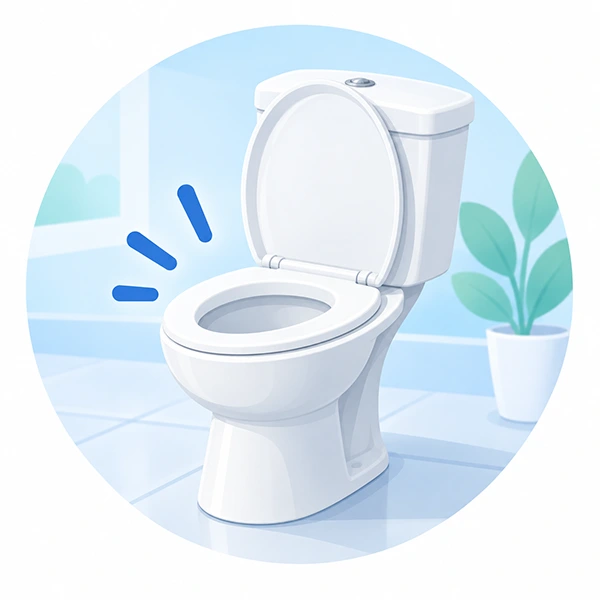 An empty bladder
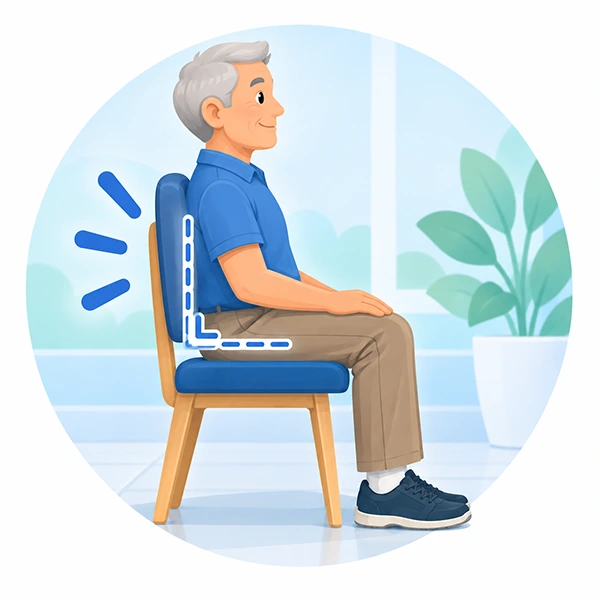 Your back supported
Source: Figure 2 of the 2025 Argentine Consensus on Arterial Hypertension.
Your data is yours
Vitalinfo is free and does not live off your data: it does not sell it, does not use it for advertising and does not show it to anyone you did not choose.
Download your measurements, your log, your studies and your doctor visits in spreadsheets that open in Excel.
Deleting your account erases everything at once. A backup keeps it for up to 30 days, and then it deletes itself.
Your account is yours alone. A family member you invite sees what you allow, and a shared report expires. You can switch either off whenever you want.
This site uses no cookies. The app uses a single one, to keep your session open.
Install
Free and with no app store. It opens with one tap from your home screen.
Your browser asks you to confirm, and a few seconds later the icon appears on your home screen.
Tap Share, the square with the arrow. In Safari it is at the bottom, in the middle; on iPad and in Chrome, at the top.
Scroll down a little and tap Add to Home Screen.
Tap Add, at the top right. Done: Vitalinfo is now on your home screen.
You are inside another app
Instagram, Facebook and TikTok open links in their own browser, which cannot install apps. Tap the three dots at the top (⋯) and choose Open in browser. You can also copy the link and paste it into Chrome or Safari.
This browser does not install apps
To install it, open vitalinfo.app in Chrome or Edge. You can also use it right here without installing anything: it works the same.
You already have Vitalinfo installed on this device.
Open VitalinfoAnother phone or a computer? See the steps for each one.
Frequently asked questions
Yes. There is no paid version, no ads and no selling of data. If one day a sponsor supports it, paying to show its brand, it will be shown in plain sight and will never see your measurements.
No. Vitalinfo records and organizes your measurements, but it does not diagnose or prescribe treatments. What you do with those numbers is up to you and your doctor.
With the 2025 Argentine Consensus on Arterial Hypertension, or with the 2025 AHA/ACC guideline, the European 2023 ESH one or the Brazilian 2025 one if you choose it in Settings. It always classifies the average of each measurement, never a single reading, and it says which guideline it used.
Create your account with your name and email, and confirm it with the code we send you by email. No password needed.
An automatic upper-arm one, with a cuff the size of your arm. Wrist and finger monitors are less reliable. When in doubt, ask your doctor.
Yes, if you turn on reminders in Settings: it reminds you of each dose at its time, and lets you know if three days go by without a measurement and the day before an appointment. On Android, from Chrome or with the app installed; on iPhone, only with the app installed (iOS 16.4 or later).
The installed app keeps a copy of what you last viewed (Today, your reports and Help) and shows it even without a signal, with the copy's date. To log a measurement it needs internet: your data is stored in your account, not on the phone, so it isn't lost if you change phones.
Free, on your phone, and with a report ready for your next appointment.